deeepSpace Is Live: Find the Drift Your Users Already See
deeepSpace is live. Connect Figma and your codebase, compare every variant as it renders, and see exactly where design and code drift.
deeepSpace is open
deeepSpace is live today: one source of truth for design and code. Connect your Figma components and your UI codebase, and see every place where the two no longer agree, with both values named and the commit that introduced the difference.
What it catches
Two examples of the drift it is built to find. Both are illustrative, and both are common.
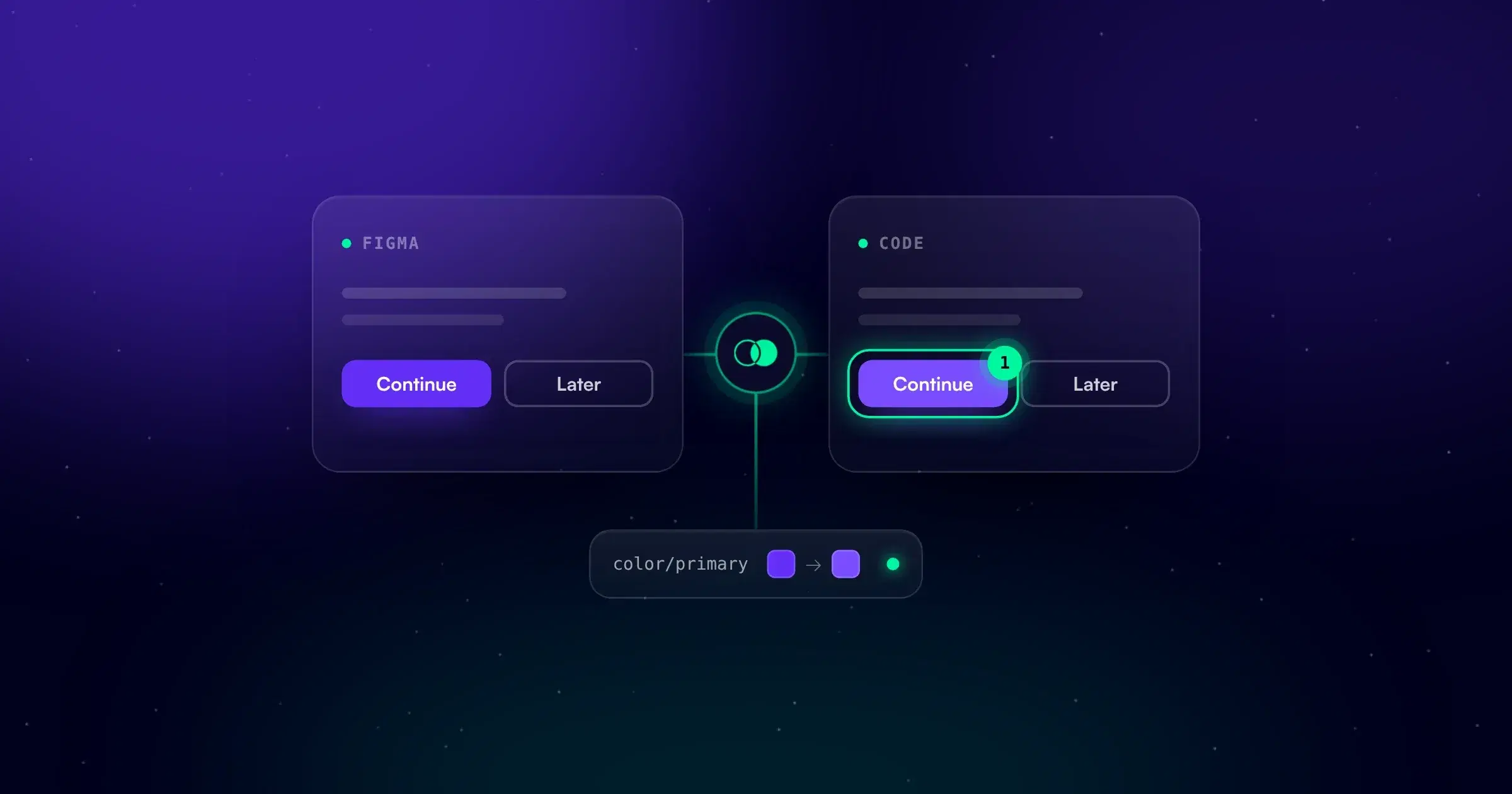
The brand color in two shades. color/primary is updated to #632ff7 in Figma. Most components pick it up through the tokens pipeline. Three still hardcode the old #7a4dff. Checkout and pricing now show a different purple from the rest of the product, and every check is green.
The focus state nobody built. The design defines State=Focus for every Button type. The code never renders it. Keyboard users can't see where they are on the page, and nobody notices until one of them tells you.
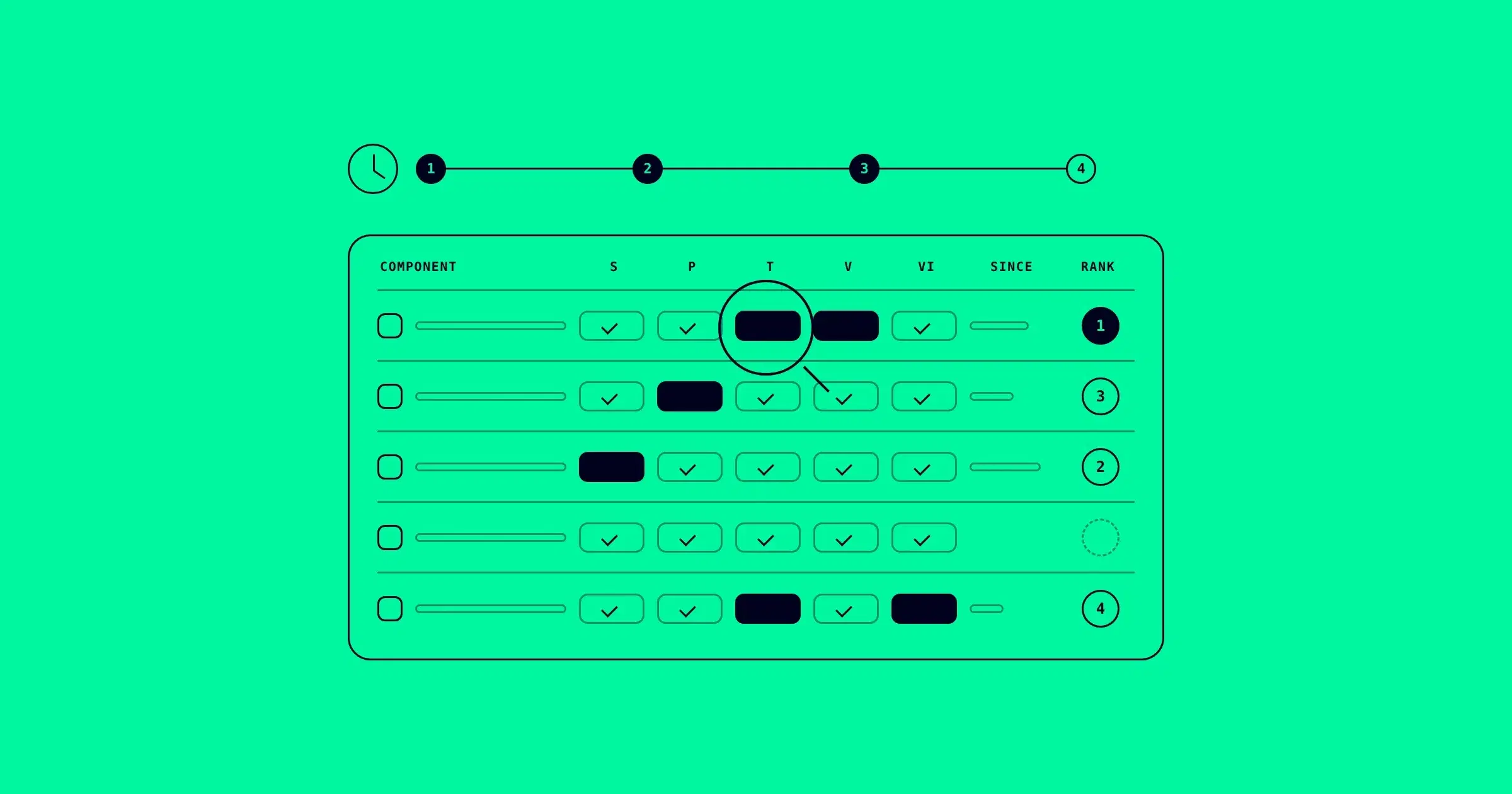
deeepSpace reports each one as a difference on the component: the value in design, the value in code, the variant it affects, and the commit it traces back to.
How it works
-
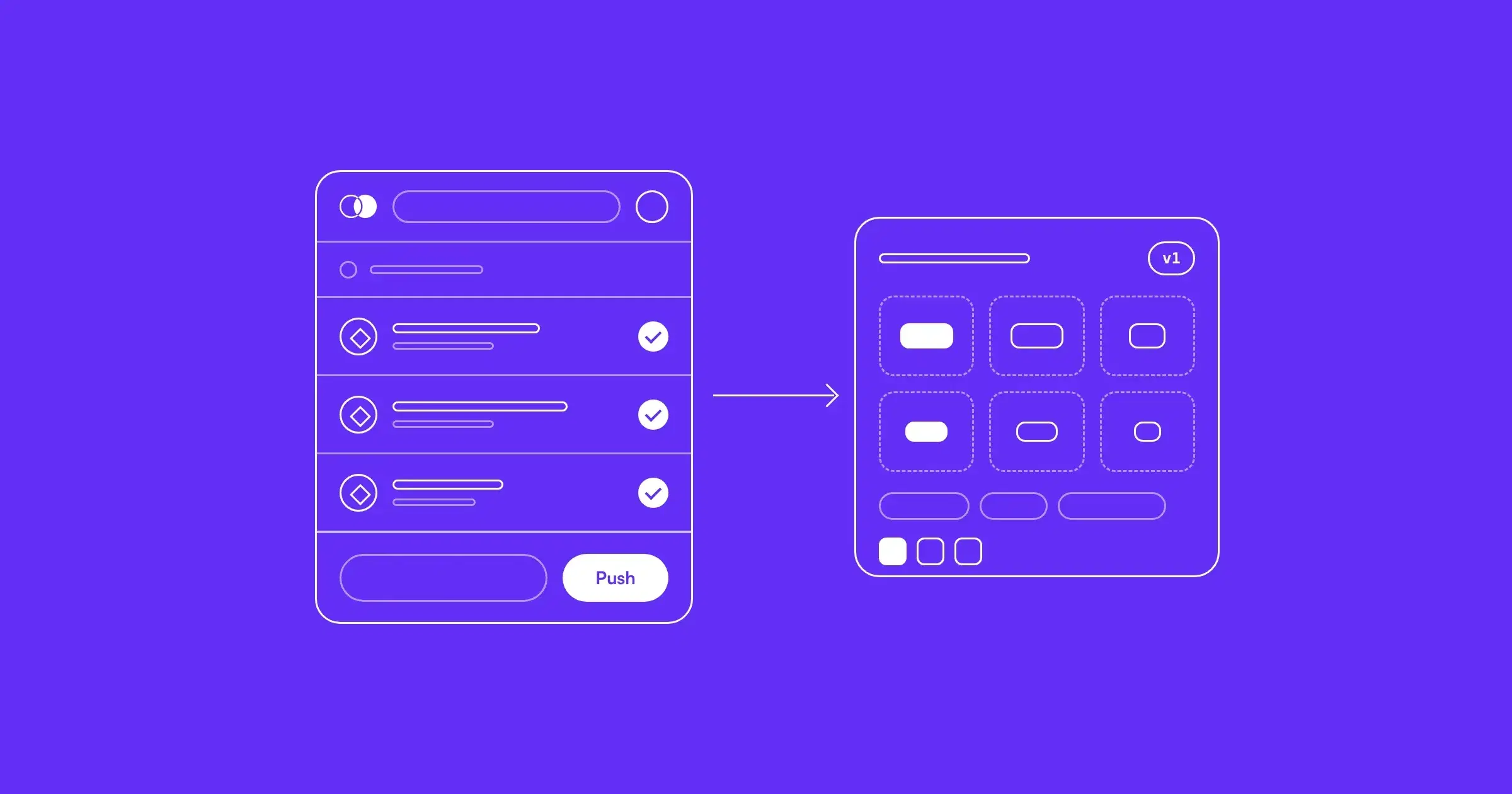
Push from Figma. The Figma Plugin sends only the components you choose, with their variants, properties, styles and tokens.
-
Sync your code. Install deeepCLI, then run two commands in your repository. It finds your components and their Storybook stories without changing your files.
On macOS or Linux:
Shellcurl -fsSL https://cloud.deeepspace.com/deeep-cli/installer.sh | shOn Windows (PowerShell):
powershellirm https://cloud.deeepspace.com/deeep-cli/install.ps1 | iexThen, in your repository:
Shelldeeep init deeep sync -
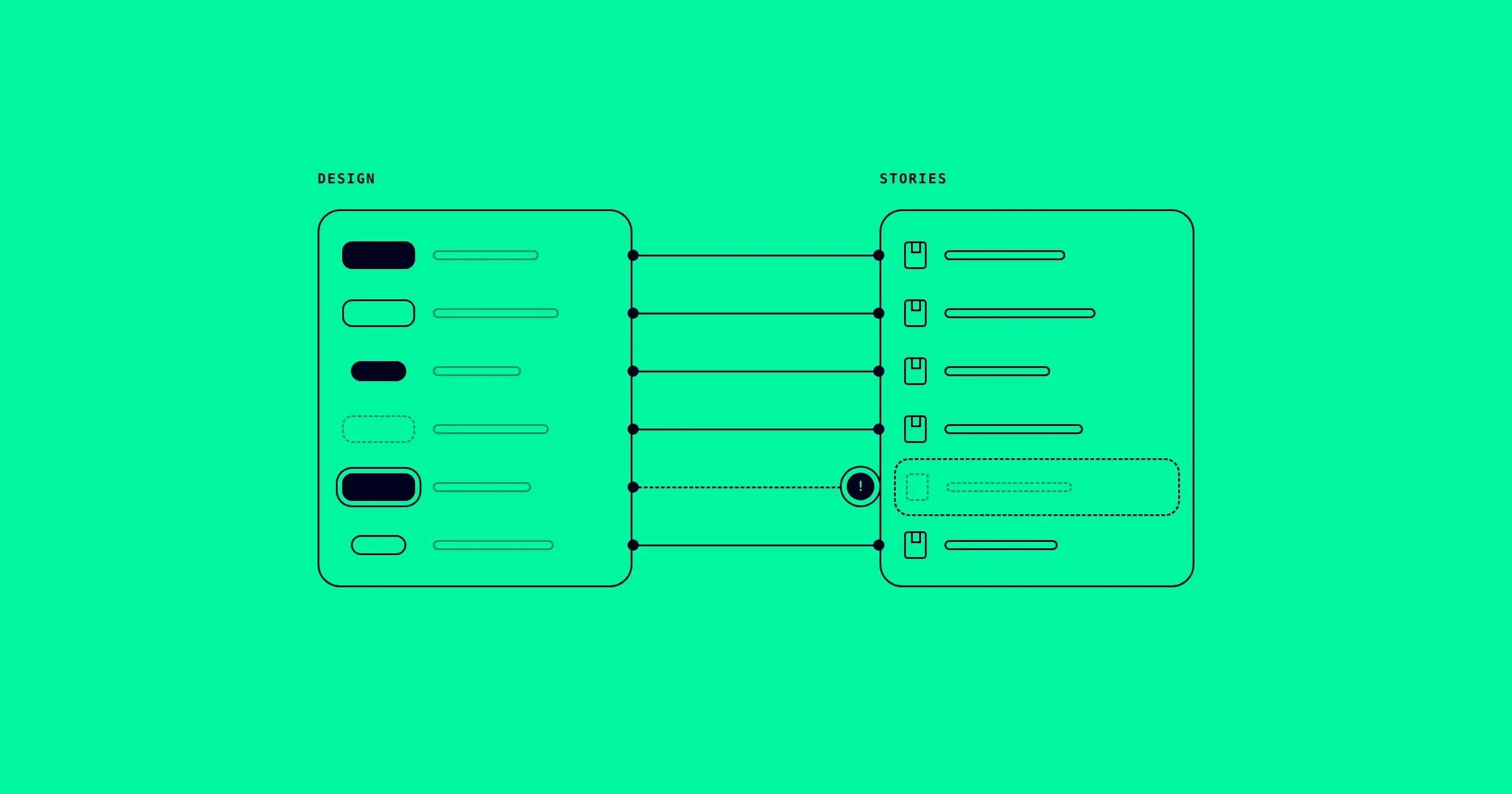
Compare in Web Space. Map each design component to its code. deeepSpace renders the coded component from Storybook and compares every variant and state (hover, focus, pressed, disabled) against its design. It checks tokens, not just pixels.
-
Align. deeepAI explains each difference, points to its likely cause and drafts the fix. You approve every change.
Your AI agents read the same system through the AI Connector (MCP server) in Claude Code, Cursor and VS Code, so they build with your real components and tokens instead of guessing.
deeepSpace works with React today, and with Vue and Angular through Storybook in beta. Styling can be CSS, SCSS, Less or Tailwind.
Why it exists
Every design system lives twice: in Figma and in the codebase. Handoff connects the two once; after that, nothing compares them. Pipelines push values one way and report success. Tests confirm the code does what the code says. Nothing checks whether the product still matches the design.
That gap is design system drift. It spreads with every new screen built from the code instead of the design, and AI agents now copy it into every component they write. deeepSpace is the check that was missing.
What's next
We also published the anchor of this blog today: the five types of design system drift, and how to detect each one. It is a method you can run by hand this week, with or without deeepSpace. On Wed Nov 25, a step-by-step tutorial follows: Push Your First Component in 10 Minutes.
See how design drift detection works, or run it on your own system. Crew starts with a 7-day free trial, no credit card required.