Visual Regression vs Design Comparison
Visual regression tests compare your code to its last approved screenshot. That is why they pass while design drift ships. Here is how to check your baseline.
Every visual test in the pipeline is green. The Button screenshots match, build after build, pixel for pixel. Then a designer opens the product next to Figma and says the Button is wrong: the corners are tighter than the design, and the focus ring the design specifies is not there.
Both are true. The tests pass, and the Button does not match its design. Nobody broke anything, and nobody missed anything the tests were built to see. The tests answered the question they were asked. It just was not the question the designer had.
This post separates the two questions. By the end you will know exactly what your visual tests prove, what they cannot see, and how to check, in about 20 minutes, whether the baselines they protect were ever right in the first place.
What a visual regression test actually checks
A visual regression test takes a screenshot of a component or page, then compares it with an approved screenshot from before, called the baseline. If the two differ by more than a threshold, the test fails and someone reviews the difference. If the change was intended, they accept it, and the new screenshot becomes the baseline.
That loop is excellent at one job: catching changes nobody meant to make. A CSS refactor that moves a button 2px, a dependency update that changes a font, a layout that breaks in one browser. Visual regression testing finds those faster and more reliably than any person can.
Look at what the test compares, though. The new screenshot is code. The baseline is code too, from an earlier build. At no point does Figma enter the comparison. The question a visual test answers is: did the code change since the last approved version? Not: does the code match the design?
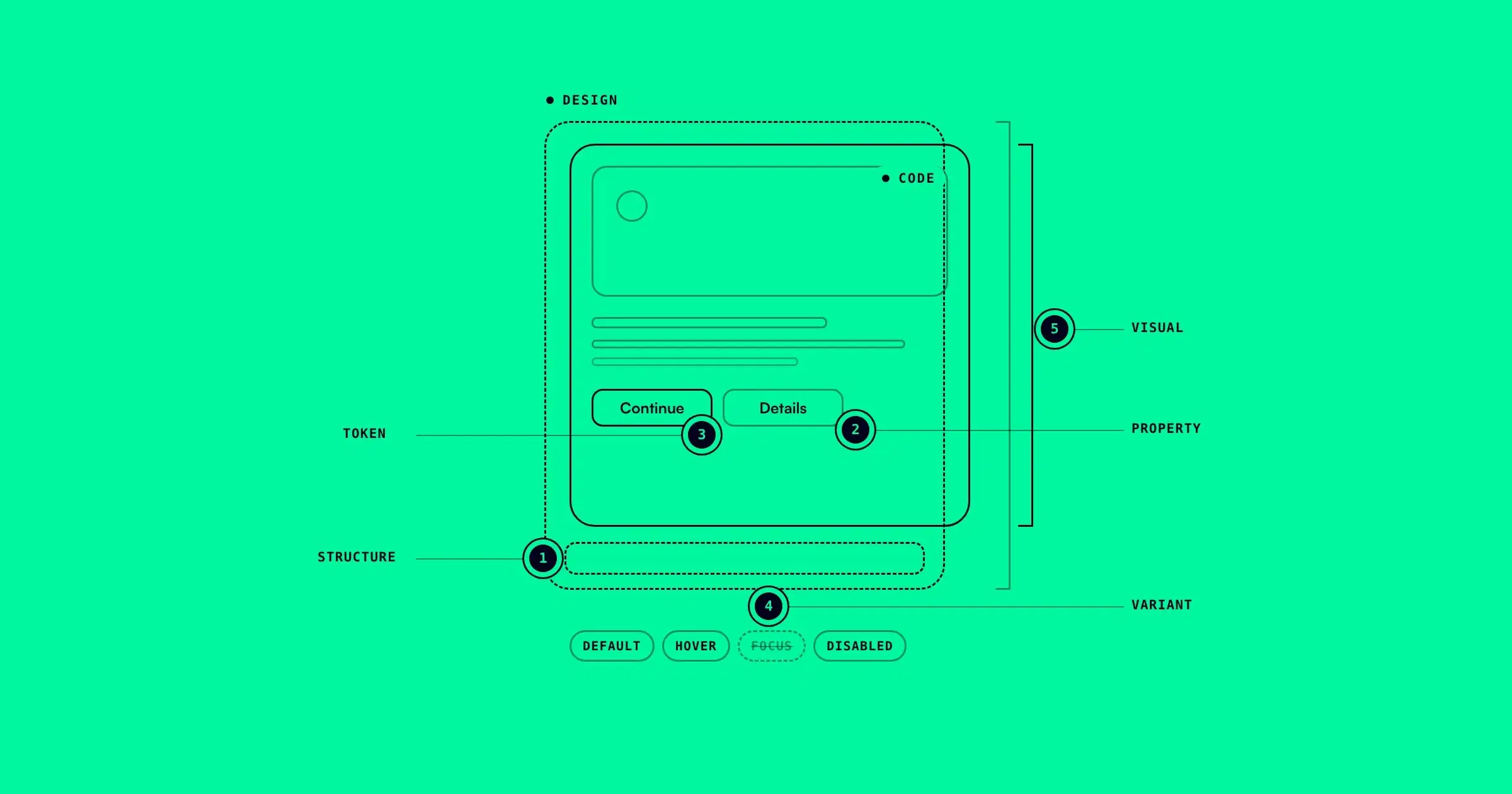
Design comparison asks the second question. Its reference is not the code's own past, it is the design: each coded component, rendered, set next to its Figma variant with the same properties.
Four ways drift passes a green suite
Once you see that the baseline is the reference, the gaps become easy to name.
1. The baseline was already off. The first screenshot of the Button was approved the day the component shipped. If it shipped with 8px corners where the design said 12px, that is the image the suite protects. Every later test that passes proves the Button is still 8px. The suite is guarding the drift.
2. The design moved and the code did not. A designer updates the brand color in Figma Variables. The code does not change, so the screenshot does not change, so the test passes. This is how most drift starts, and from the test's point of view, nothing happened.
3. A failed diff was accepted against the wrong question. The code changes on purpose, the test fails, and a reviewer compares the new screenshot with the old one. They are asking "is this change intended?", which is the right question for a regression test. Nobody opens Figma. The new image becomes the baseline whether or not it matches the design.
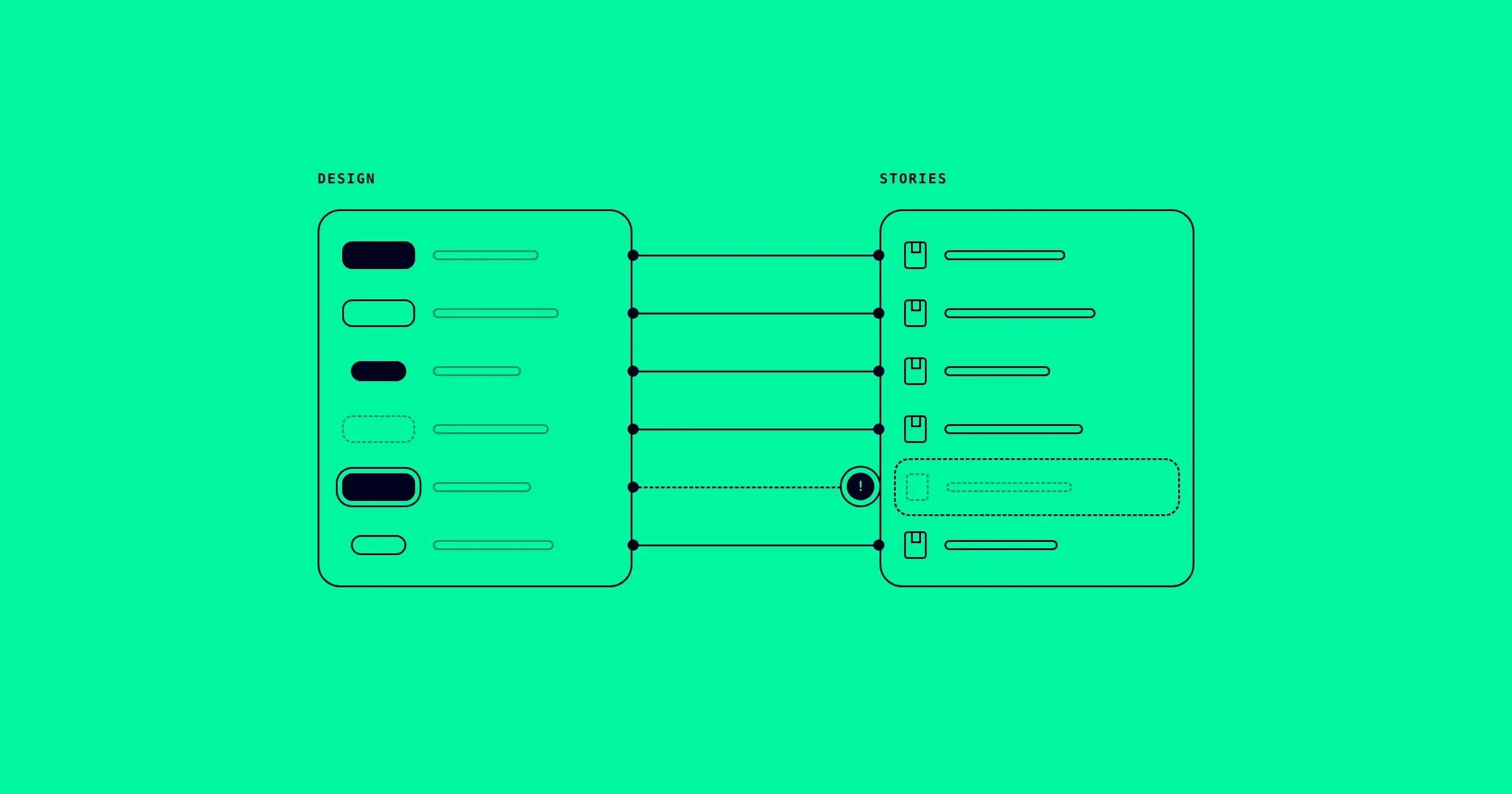
4. Nobody takes a screenshot of the state. Visual tests capture what someone wrote a test or a story for. If the focus state of the Button has no story, it has no screenshot, so no test can fail on it. It ships untested in both senses.
None of these are mistakes by the people involved. They are what happens when the only reference a check has is the code's own history. Each one also maps to one of the five types of design system drift: the first is usually token or visual drift, the fourth is variant drift.
Side by side
| Visual regression testing | Design comparison | |
|---|---|---|
| Reference | The code's last approved screenshot | The design, variant by variant |
| Question it answers | Did the code change? | Does the code match the design? |
| Catches | Unintended changes, browser and layout breaks | Token, property, structure, state and visual differences against the design |
| Blind to | A baseline that was wrong from the start, design changes, states never captured | Cross-browser rendering, full-page layouts, behavior |
| A pass means | Nothing moved since the last approval | This variant matches its design |
Read the last row twice. A visual test pass and a design comparison pass are different statements, and a component can make one without the other.
The baseline check (20 minutes)
You can find out today whether your suite is protecting drift. Pick the component with the most screenshots in your suite, usually the Button, and run these four steps.
Step 1: date the baselines. If your screenshots are committed to the repository, git knows when each one was first accepted and when it last changed. Replace the path with wherever your tool keeps them:
# when each Button baseline was first accepted
git log --diff-filter=A --format="%h %ad %s" --date=short -- "path/to/screenshots/*button*"

# when a Button baseline last changed
git log -1 --format="%h %ad %s" --date=short -- "path/to/screenshots/*button*"
If your screenshots live in a hosted service instead, its build history shows the same two dates for each baseline.
Step 2: date the design. Open the Button component set in Figma and look at its version history. Note when each variant last changed.
Step 3: compare the dates. If the design changed after the baseline was last updated, the design moved and the code did not (case 2). The test has been passing on an old version of the design ever since.
Step 4: put the images side by side. For each variant, open the baseline image next to the Figma frame of the same variant, at the same size. Look for corner radius, height, spacing and color first. Then list every variant in the Figma component set and mark the ones with no baseline at all (case 4).
Write the result as one table:
| Variant | Baseline accepted | Design last changed | Baseline matches design? |
|---|---|---|---|
Type=Primary | Mar 4 | Jun 12 | No: color/primary is #632ff7 in design, the baseline shows #7a4dff |
Type=Secondary | Mar 4 | Mar 2 | No: corners 8px, design radius/md is 12px |
Type=Ghost | Mar 4 | Mar 2 | Yes |
State=Focus | none | Mar 2 | No baseline: the focus ring has never been tested |
Illustrative rows, built from the demo data we use to show the product. Your component will have its own.
Every "No" in the last column is drift that your visual suite will keep passing until someone changes the baseline. Fix the code to match the design, then accept the new screenshot as the baseline. From that point on, the suite protects the right thing.
Keep both, in the right order
This is not a case against visual regression testing. It does a job design comparison does not: it catches unintended changes across browsers, pages and builds, every time code moves. Keep it.
The point is that the two checks have different references, so they answer different questions, and you need both answers. A useful order is:
- Design comparison decides what the baseline should be. Before a screenshot becomes the reference, check that it matches the design.
- Visual regression keeps it there. Once the baseline is right, every passing test means something: the code still looks the way the design says.
In that order, a green suite stops being a statement about the past and becomes a statement about the design.
The honest limit
The baseline check is a reading of one afternoon. It tells you whether the baselines are right today, for the components you checked. The design will change again next week, and the check will not run itself.
Design comparison has its own boundaries too. It compares components against their designs, so it does not replace cross-browser testing, full-page checks or tests of behavior. A broken interaction is a bug, not drift, and neither check is built for it.
deeepSpace runs the design side of this continuously. It renders each coded component from Storybook, compares every design variant on its own with matching props, checks tokens, not just pixels, and ties each result to a design version and a code version. To see what that looks like on a real component, read how visual design QA compares rendered code with the design.
A visual test keeps your code where it was. A design comparison checks that where it was is where the design says it should be.